
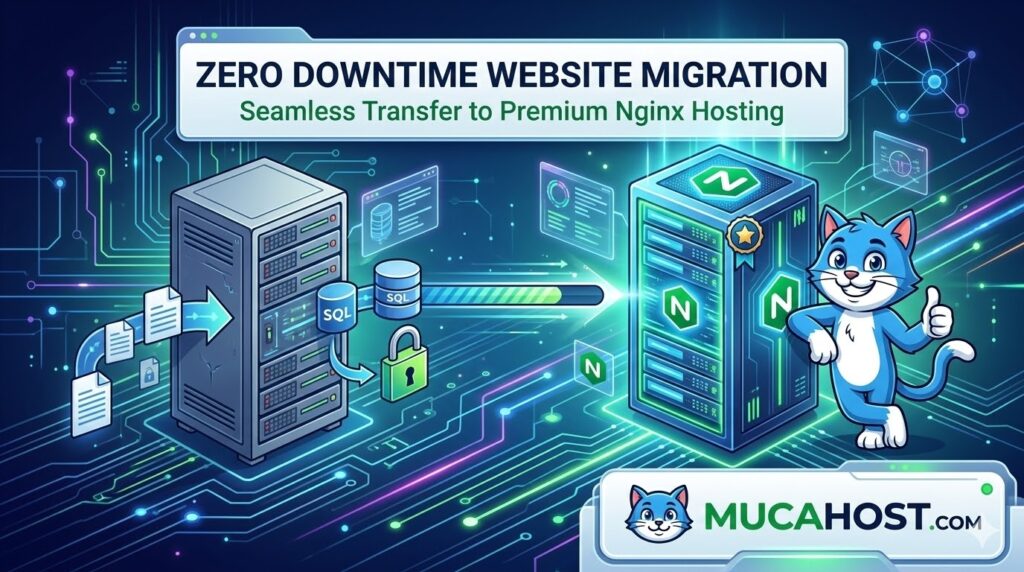
Are you planning a zero downtime website migration? You migrate a website, double-check that everything looks perfect on your end, and then the dreaded messages start rolling in: “The site is down!”
When this happens, it’s easy to panic and blame the new host. More often than not, however, the real cause is DNS—and it isn’t broken. In fact, it’s doing exactly what it was designed to do.
In this guide, we will explain why DNS updates don’t happen instantly and how you can plan your next transfer so that DNS becomes a controlled final step.
Why DNS Affects Your Zero Downtime Website Migration:
DNS (Domain Name System) answers one specific question: Where should this domain point? When someone enters your URL, DNS translates that name into an IP address. However, DNS updates do not push out to the entire internet all at once. They rely on layers of global caching.
When you migrate to a new server and change your IP address, local internet resolvers will continue sending visitors to the old IP address until their cache expires. This layered caching explains why two people in different cities can see completely different versions of your site at the exact same time.
5 Proven Steps for a Safe Transfer
A smooth website transfer prioritizes sequencing over speed. By following these steps in order, you can achieve a successful zero downtime website migration:
1. Prepare the New Hosting Environment First
Set up your new site completely before ever touching your DNS records. Move your files, verify your SSL certificates, and configure caching. Test the site using a temporary URL or a local hosts file to ensure the new environment is 100% ready.
2. Lower Your TTL in Advance
TTL (Time to Live) controls how long DNS answers are cached. At least 24 hours before your planned migration, lower your TTL records (e.g., to 300 seconds or 5 minutes). This forces global resolvers to refresh their caches faster when you finally update your IP address.
3. Freeze Website Changes
Pause all content edits and e-commerce orders on your old site. Any changes made to the old site after you’ve copied the database to the new host will be permanently lost.
4. Update Your DNS Records
Once the new server is ready, change your specific records (usually A, AAAA, or CNAME) to point to the new IP address.
5. Keep Both Environments Live
Do not cancel your old hosting plan immediately. Keep the old and new environments live at the same time until global traffic has completely shifted.
Experience Premium Performance with Mucahost
Why stress over manual file transfers when you can let the experts handle it? At Mucahost, we deliver premium-level performance powered by blazing-fast Nginx servers. Our infrastructure is engineered to provide Kinsta-level speed and reliability, ensuring your WordPress site handles traffic surges without breaking a sweat.
When you choose our WordPress hosting, you get free migrations handled by our expert team, safe overlapping environments, and intuitive DNS management.
🚀 Upgrade your website’s performance today: Explore Mucahost’s Premium WordPress Hosting